Vetical Slice

For a group project, we recreated a 10-second clip from Genshin Impact, a game I knew nothing about but found challenging. Over eight weeks, working three times a week, our small team faced challenges, especially with the game's complex effects, models, and textures. Because of the delay on receiving models i found myself doing less coding and more project management.

My Code

Player Movement

this script controls player movement in both third-person and attack modes, with easy transitions between directions based on the camera's orientation.

Third-Person Movement Code


      private void ThirdPersonMove(Vector3 inputDirection)
      {
          float targetAngle = Mathf.Atan2(inputDirection.x, inputDirection.z) * Mathf.Rad2Deg + cameraTransform.eulerAngles.y;
          float angle = Mathf.SmoothDampAngle(transform.eulerAngles.y, targetAngle, ref turnSmoothVelocity, turnSmoothTime);
          transform.rotation = Quaternion.Euler(0f, angle, 0f);
          Vector3 moveDirection = Quaternion.Euler(0f, targetAngle, 0f) * Vector3.forward;
          controller.Move((moveDirection.normalized * speed + velocity) * Time.deltaTime);
      }
          

This code handles third-person movement by adjusting the player's rotation based on input direction and the camera's angle.

Attack Mode Movement Code


      private void AttackModeMove(Vector3 inputDirection)
      {
          float targetAngle = cameraTransform.eulerAngles.y;
          Vector3 moveDirection = new Vector3(inputDirection.x, 0f, inputDirection.z).normalized;
          moveDirection = Quaternion.Euler(0f, targetAngle, 0f) * moveDirection;
          controller.Move((moveDirection * speed + velocity) * Time.deltaTime);
      }
          

This code manages movement in attack mode, allowing the player to move in the direction relative to the camera without changing their rotation.

Player Shooting Mode

This feature toggles between normal and shooting mode, adjusting the player's speed, camera view, and animations accordingly.

Shooting Mode Toggle Code


      shootingMode = !shootingMode;
      
      if (shootingMode == true)
      {
          bow.SetActive(true);
          anim.SetBool("ShootingState", true);
          attckV.Priority = 10;
          tpV.Priority = 0;
          speed = 0.05f;
          inactiveCamera = tpV;
          activeCamera = attckV;
      }
      else if (shootingMode == false)
      {
          bow.SetActive(false);
          anim.SetBool("ShootingState", false);
          attckV.Priority = 0;
          tpV.Priority = 10;
          speed = 1f;
          activeCamera = tpV;
          inactiveCamera = attckV;
      }
          

This code toggles the shooting mode, activating the bow, switching animations, adjusting speed, and changing the camera priorities based on whether shooting mode is enabled or disabled.

Projectile System

This feature manages a projectile's movement, lifetime, and interaction with enemies, including applying damage and visual effects on impact.

Projectile Behavior Code


      void Start()
      {
          rb = GetComponent();
          Destroy(gameObject, 5f);
      }
      
      // Update is called once per frame
      void Update()
      {
          rb.velocity = transform.forward * speed;
      }
      
      void OnTriggerEnter(Collider other)
      {
          if (other.CompareTag("Enemy"))
          {
              EnemyHealth enemyHealth = other.GetComponent();
              enemyHealth.TakeDamage(dmg);
              Instantiate(HitMark, transform.position, Quaternion.identity);
              Destroy(gameObject);
          }
      }
          

This code handles projectile behavior, setting its velocity based on the forward direction and a predefined speed. The projectile is automatically destroyed after 5 seconds or upon hitting an enemy, at which point it inflicts damage and triggers a hit effect.

Suggested Projects

Breakpoint Injector

A Unity tool to inject breakpoint templates into the Rider IDE.

C# Icon Visual Studio Icon Unity Icon Rider Icon
Project Image

Fortress Defense

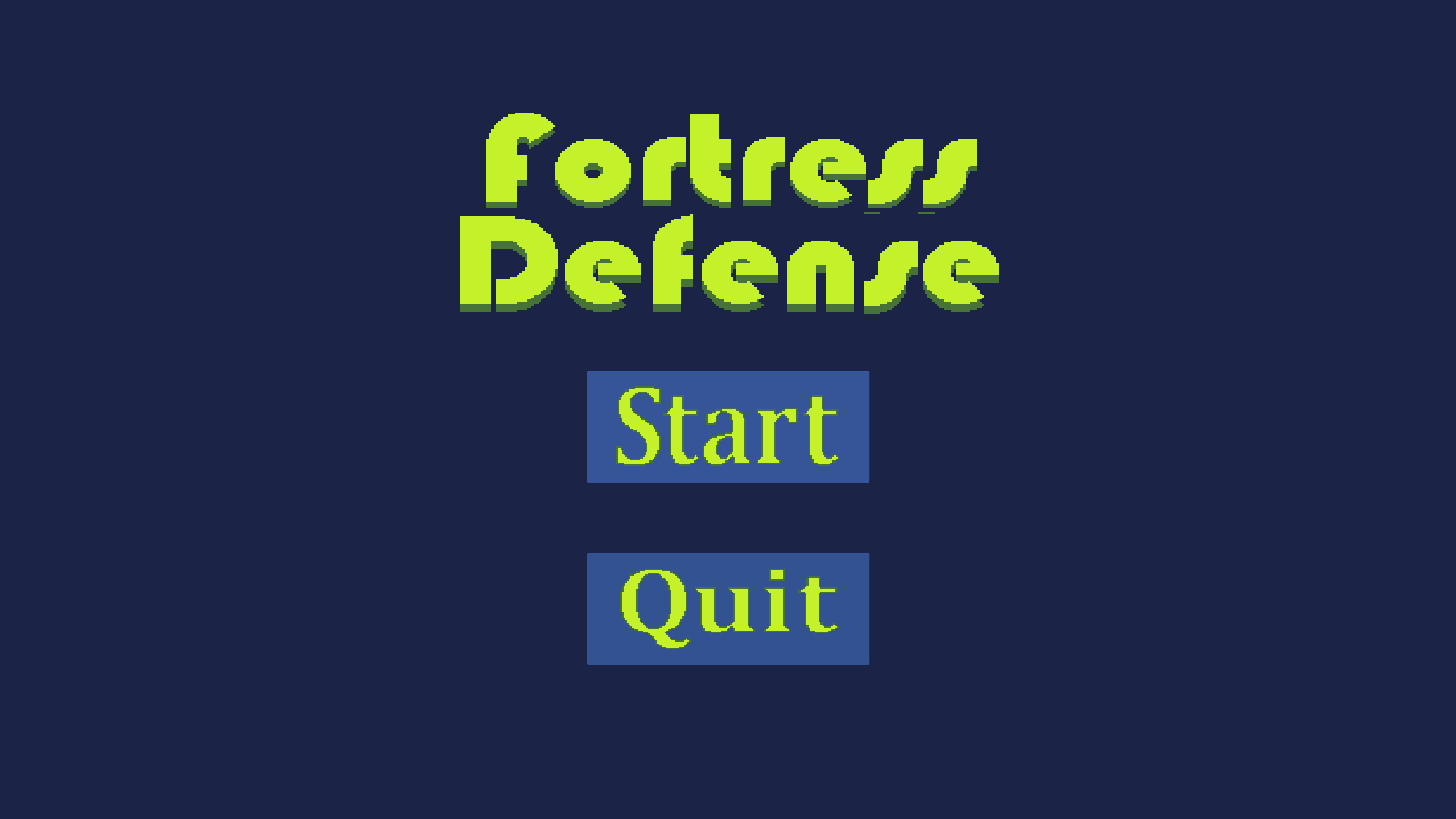
A school project to create a tower defense game

C# Icon Visual Studio Icon Unity Icon
Project Image